

Map Maker 5
1. Drawing polygons with the polygon tool
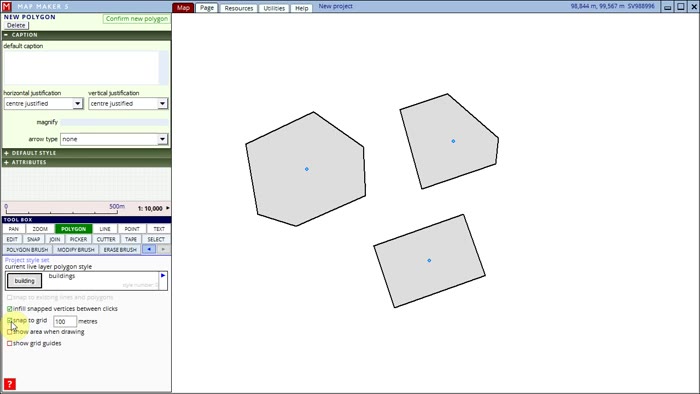
Click to play
2. Editing polygons
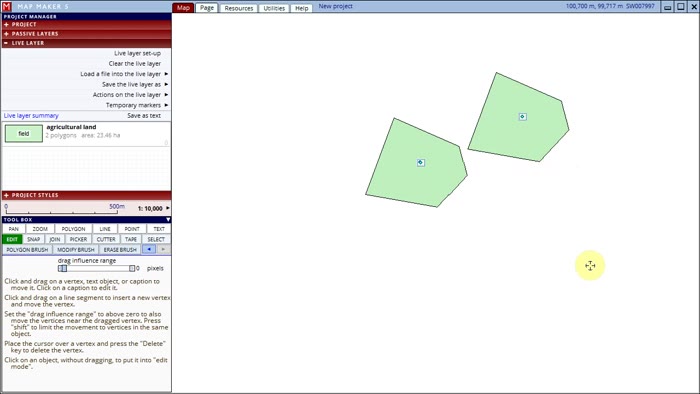
Click to play
3. Drawing and editing polygons with the brush tools
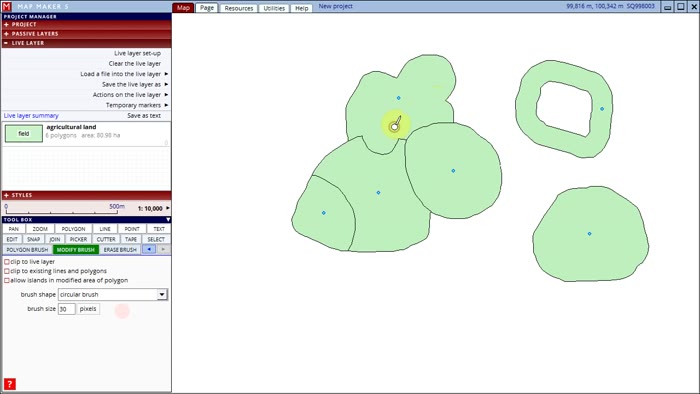
Click to play
4. Cutting polygons
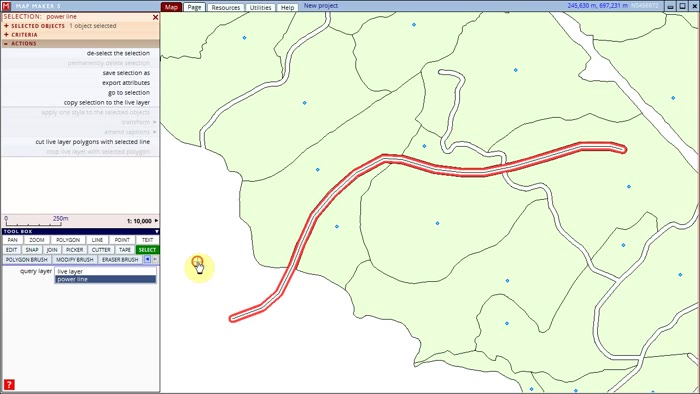
Click to play
5. Cutting and joining lines
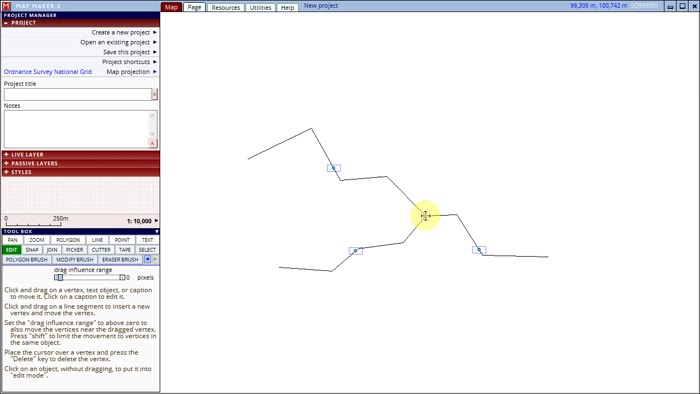
Click to play
6. Snapping polygon boundaries
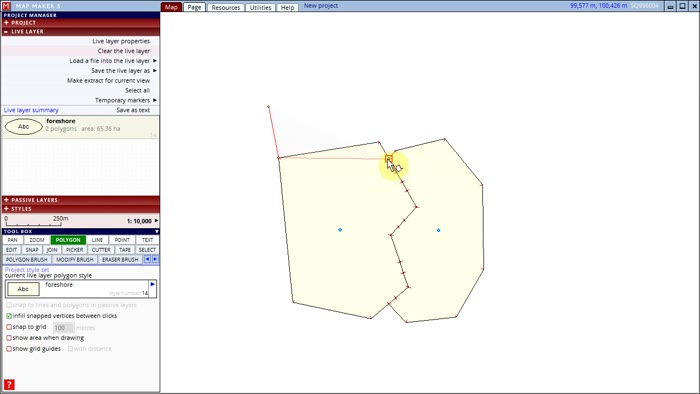
Click to play
7. Joining adjacent polygons
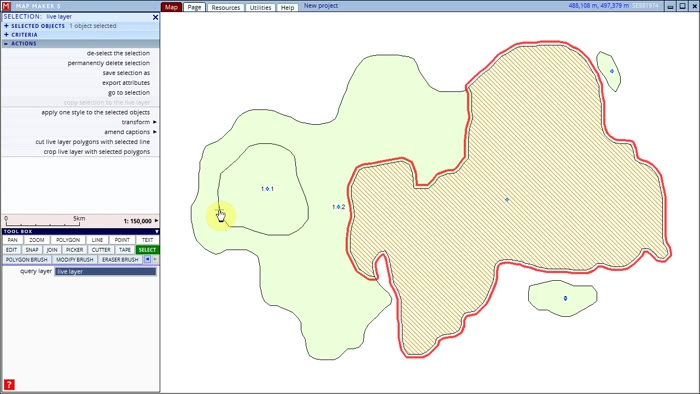
Click to play
8. Creating buffer zones
Click to play
9. Populating with styles and other attributes
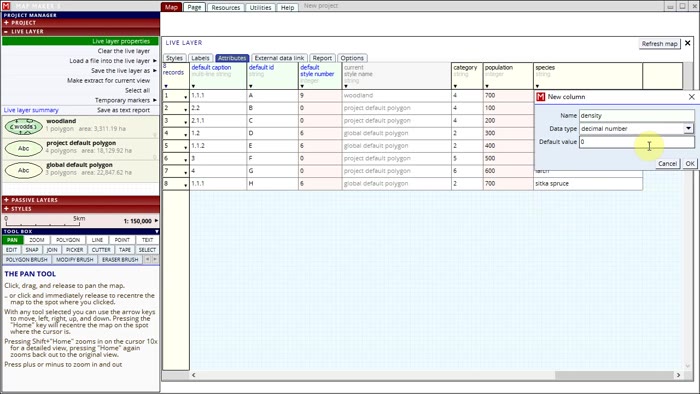
Click to play
10. Editing styles
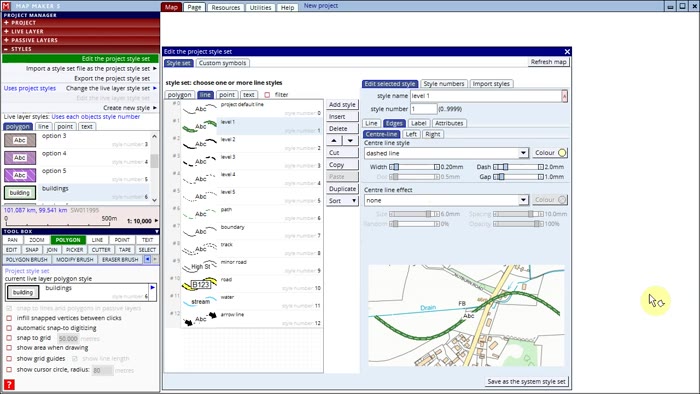
Click to play
11. Creating custom symbols
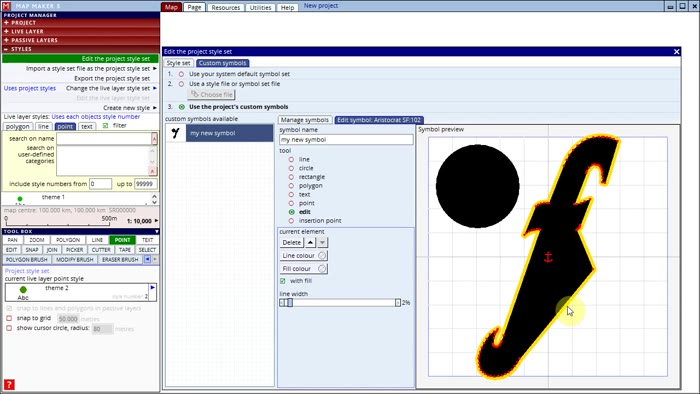
Click to play
12. Using layers
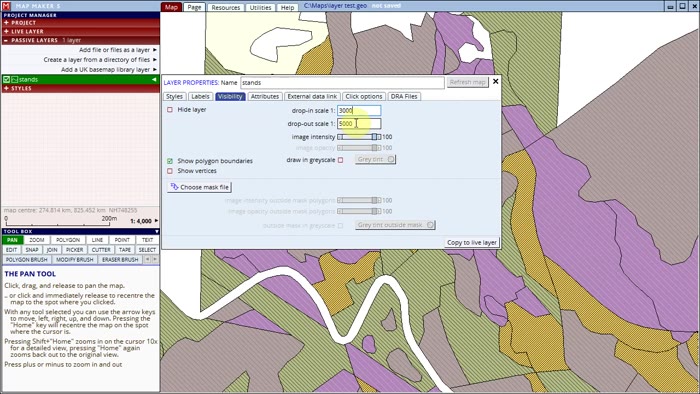
Click to play
13. Using a layer mask
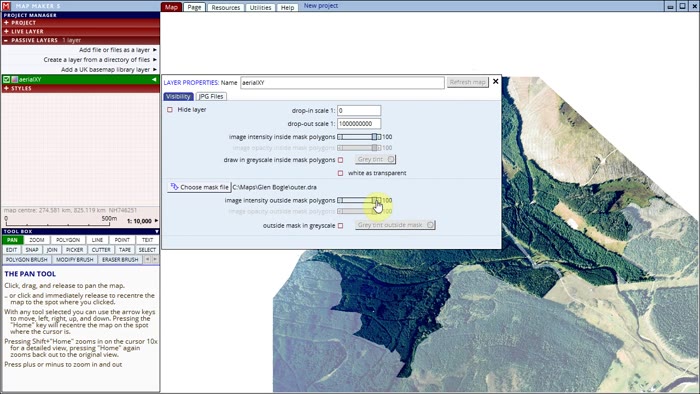
Click to play
14. Working with Text objects
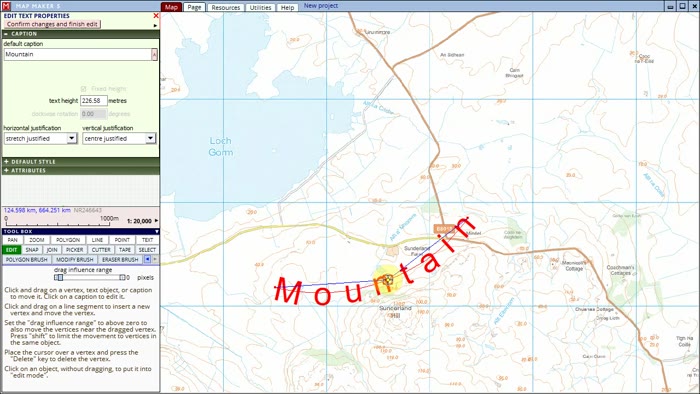
Click to play
15. Editing labels of polygons, lines, and points
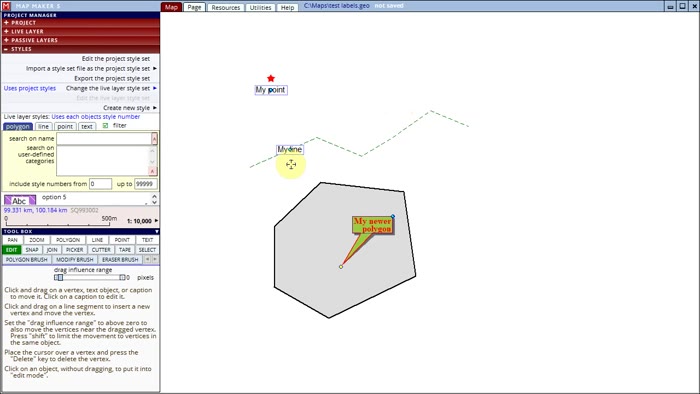
Click to play
16. Page layout and page "furniture"
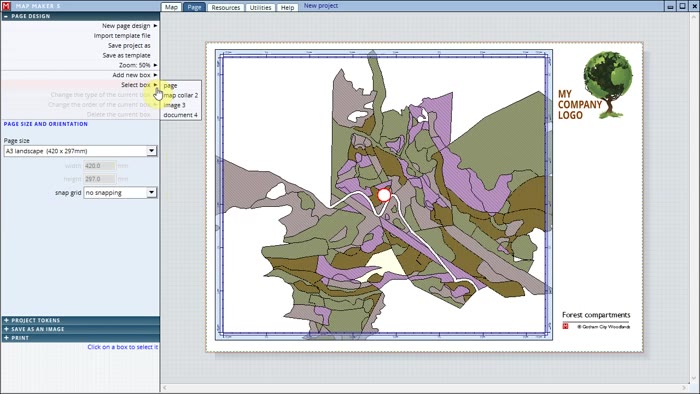
Click to play
17. Creating and using a hierarchy of polygons
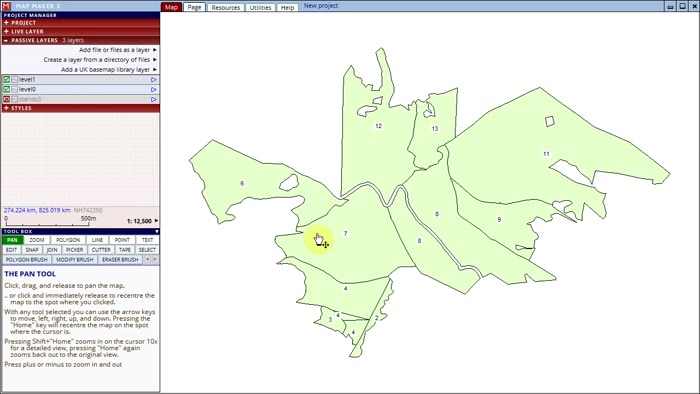
Click to play
18. Repairing a gap in polygons or creating a new one using a vector background layer.
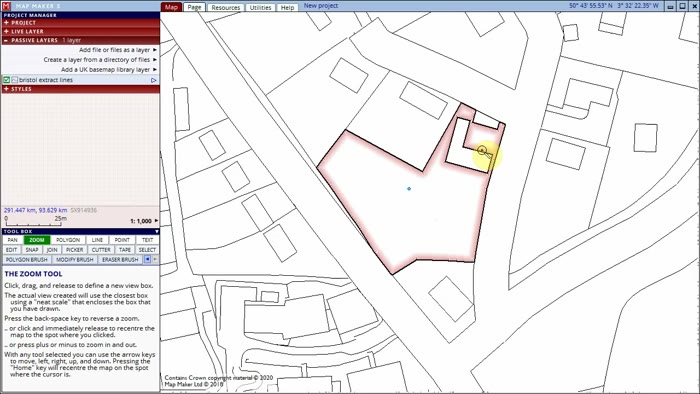
Click to play