

SUNCLOCK 8
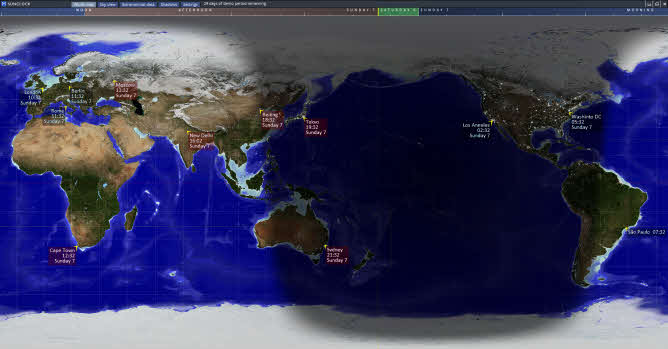
Click here to download Sunclock 8
Personal single-user licence
You can purchase a licence for personal use for £15.00.
This is a one-off perpetual licence for Sunclock 8.
We aim to send a licence number to the Email provided on the next working day or no later than 3 working days. Please check your SPAM folder if it has not arrived in this timeframe.
System requirements
Sunclock is designed for Microsoft Windows 32-bit and 64-bit (Windows 10 and above). Sunclock has been designed either for ultra-high-definition screens (3840 x 2160 pixels) or for "Full HD" screens (1920 x 1080 pixels) though it will also run on lower-definition displays. We do not advise using Sunclock on computers with less than 4 GB of RAM.
No internet connection is required to run the program. No adverts, no data harvesting. The Sunclock program and its data occupy approximately 480 MB.
To get the full benefit of a high-resolution screen, in Windows Control Panel, under "Display", ensure that the scale is set to 100%.

GLOBE CLOCK
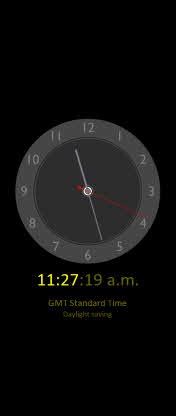
Click here to download Globe Clock
Personal single-user licence
You can purchase a licence for personal use for £10.00.
This is a one-off perpetual licence for Globe Clock.
We aim to send a licence number to the Email provided on the next working day or no later than 3 working days. Please check your SPAM folder if it has not arrived in this timeframe.
Globe Clock for businesses
If you want to use Globe Clock on business premises you can purchase an annual site licence which enables you to display the globe with your own logo. The logo can be supplied as a PNG, JPG, BMP or TIF file but we recommend a PNG file with a transparent background.
The branded Globe Clock can be used as a wall clock or as a screen saver.
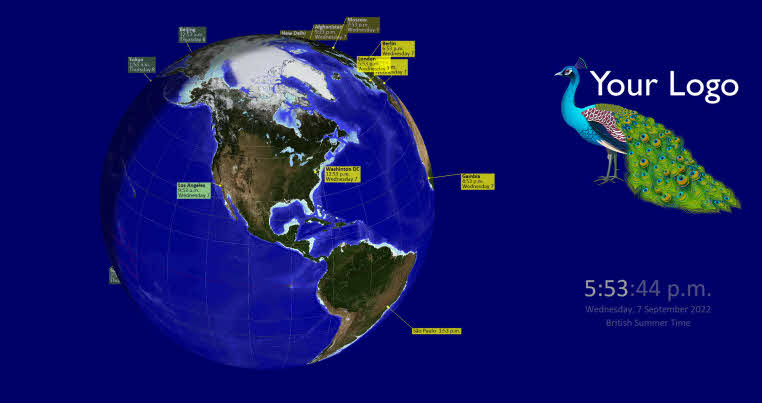
In the branded version you can select a background colour other than the default black. If you opt to display a clock then if the screen is in portrait mode you can opt to have the clock either to the right or the left of your logo.
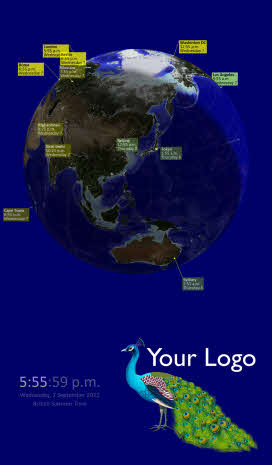
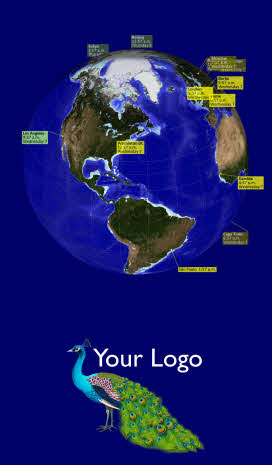
£100.00 per year
The "annual" licence lasts for 380 days to allow a bit of leeway for renewing the licence each year. The licence is a "site licence" meaning that it applies to one physical site - i.e. one business premises.
We aim to send a licence number to the Email provided on the next working day or no later than 3 working days. Please check your SPAM folder if it has not arrived in this timeframe.
System requirements
Globe Clock is designed for Microsoft Windows 32-bit and 64-bit (Windows 10 and above). Globe Clock has been designed either for ultra-high-definition screens (3840 x 2160 pixels) or for "Full HD" screens (1920 x 1080 pixels) though it will also run on lower-definition displays. We do not advise using Globe Clock on computers with less than 4 GB of RAM.
No internet connection is required to run the program. No adverts, no data harvesting. The Globe Clock program and its data occupy approximately 480 MB.
To get the full benefit of a high-resolution screen, in Windows Control Panel, under "Display", ensure that the scale is set to 100%.